Check the data field before buying a watch accessory
Check whether a data field is available for your activity and whether an accessory is required before adding equipment to the basket.
Updated:
Start with the information you need
Before buying an accessory for a running watch, write the exact data field you expect it to provide. A general desire for more metrics is too vague to test against a manual. Decide whether you need an activity total, a lap value or a live reading, then record the activity type in which you expect to see it. Those details turn an accessory search into a question that a manufacturer or seller can answer without guessing what you mean.
Forerunner165 data-field definitions ?
Read the caveat above the list
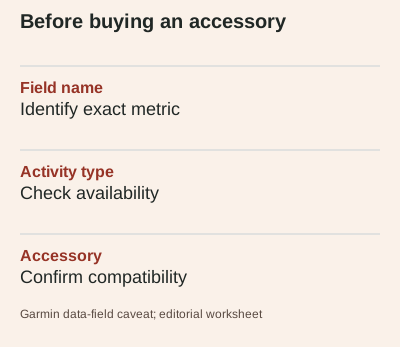
Garmin's Forerunner 165 data-field page states that not every field is available for every activity type and that some fields require compatible accessories. A long list of named metrics therefore does not mean the watch provides every one in every setting by itself. Check the field description and the relevant activity instructions together. Where the manual does not clearly establish the required combination, keep the item unresolved rather than filling the gap with an assumption based on another model's feature list.
Separate the scope of a value
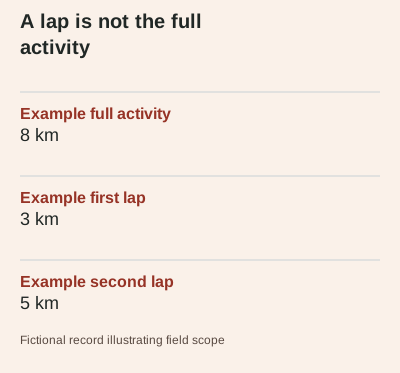
Consider a fictional activity of 8 km divided into a 3 km lap and a 5 km lap. A lap-distance field concerns the selected lap; an activity-distance field concerns the whole record. The two values can both be correct while answering different questions. This example is only arithmetic to illustrate scope, not a prescribed session. Before comparing a number on two screens, check whether both refer to the same part of the activity and whether the units are displayed in the same system.
Do not confuse a field with an assessment
A recorded metric and an interpretation of that metric are different things. The manual defines running cadence as steps per minute including both feet, for example, but the presence of a cadence field does not establish an ideal value for an individual. Nor does buying an accessory turn a consumer watch into a diagnostic assessment. This guide concerns equipment compatibility and data labels. It does not prescribe technique, infer an injury risk or promise that an additional number will improve a runner's performance.
Check the exact accessory combination
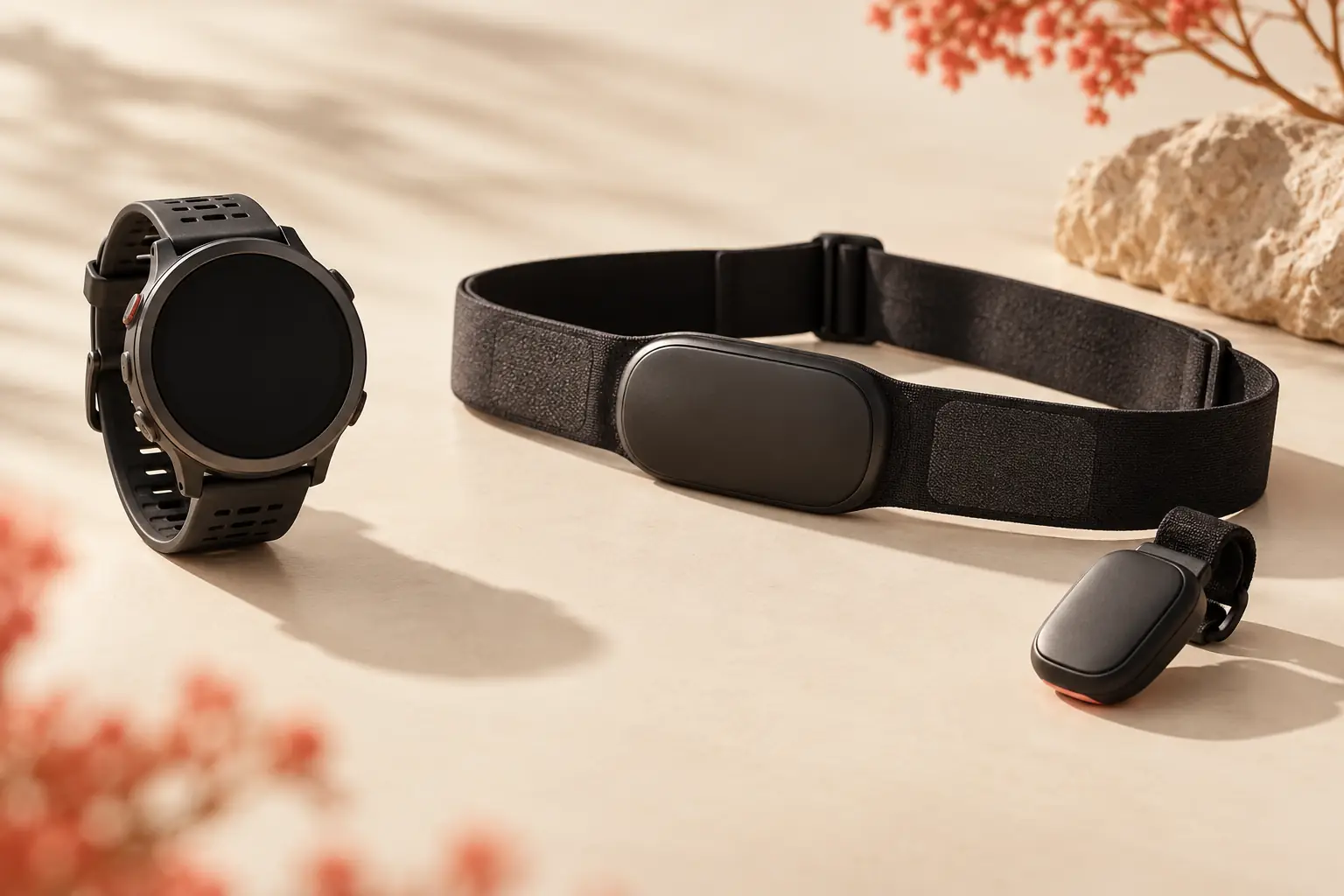
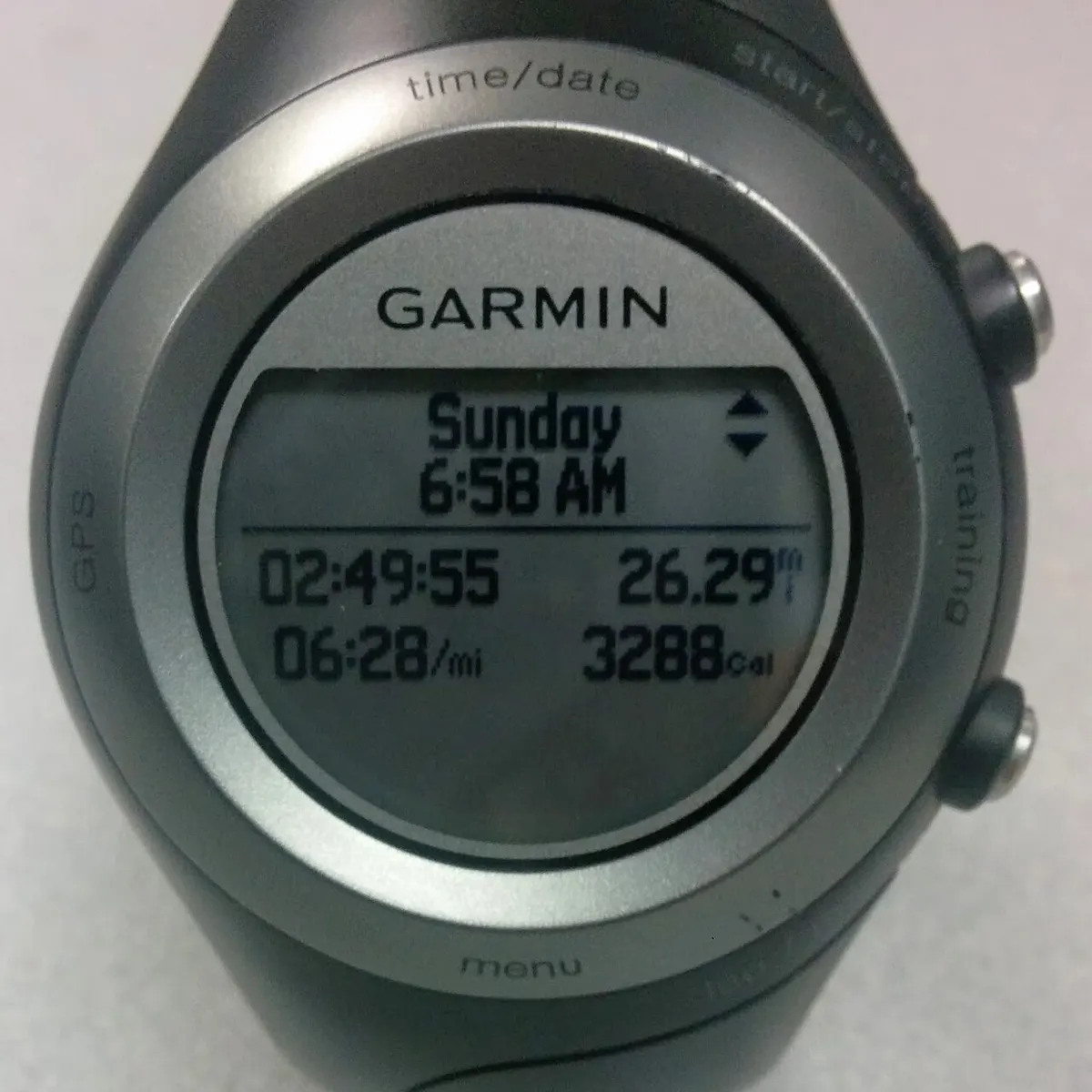
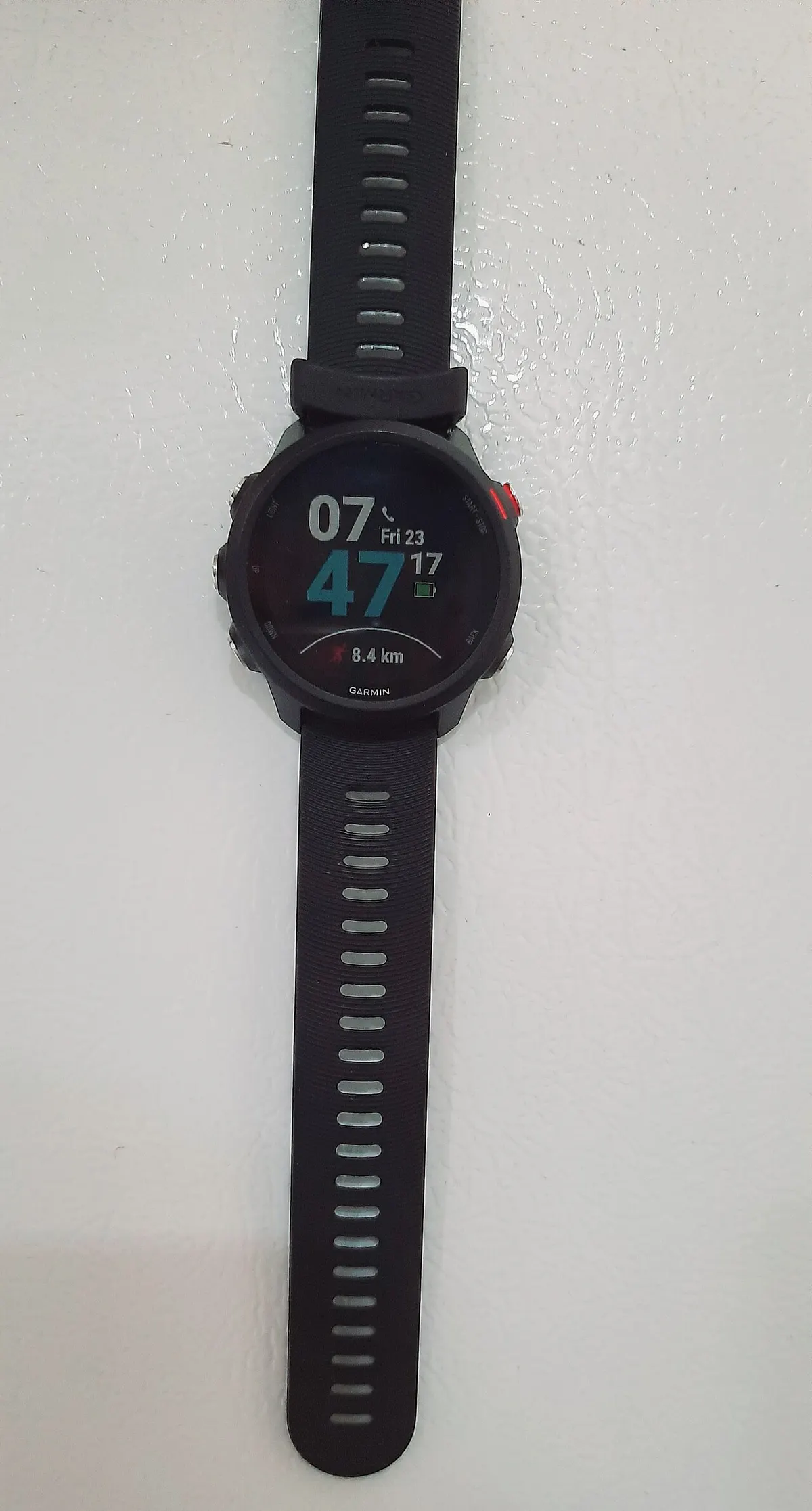
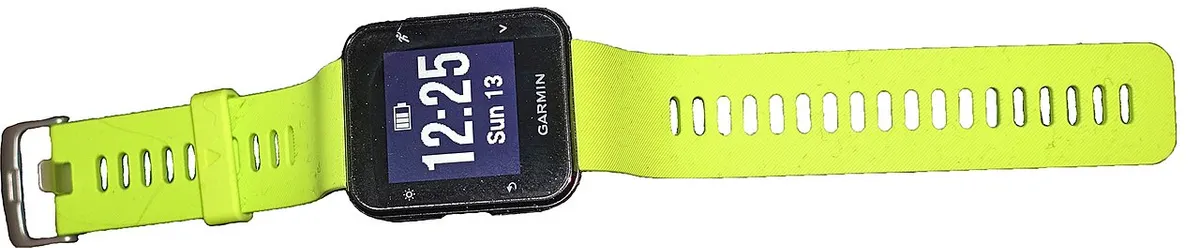
Keep the watch model, software documentation, accessory model and intended activity together in the enquiry. Ask whether that combination supplies the named field and whether anything else must be enabled. Do not rely on a photograph of a sensor or a broadly similar watch. The archive photographs here show other Garmin models and their interfaces; they do not verify compatibility with the 165. Save a current official answer or compatibility page with the purchase record if the accessory is a material part of the decision.
Make the basket match the question
Before payment, compare the confirmed combination with the actual items in the basket, including variant and any separately required parts. Keep the delivered AUD quote on a separate line so optional equipment does not disappear inside a headline watch price. If the field you wanted is unavailable for the relevant activity, reconsider that accessory rather than substituting a vaguely related metric. A successful comparison leaves you able to explain exactly what information the purchased combination is expected to record, and what remains unverified.