Build a shoe-distance log without a replacement promise
Add recorded distance to the correct pair of shoes while keeping equipment history separate from a universal replacement deadline.
Updated:
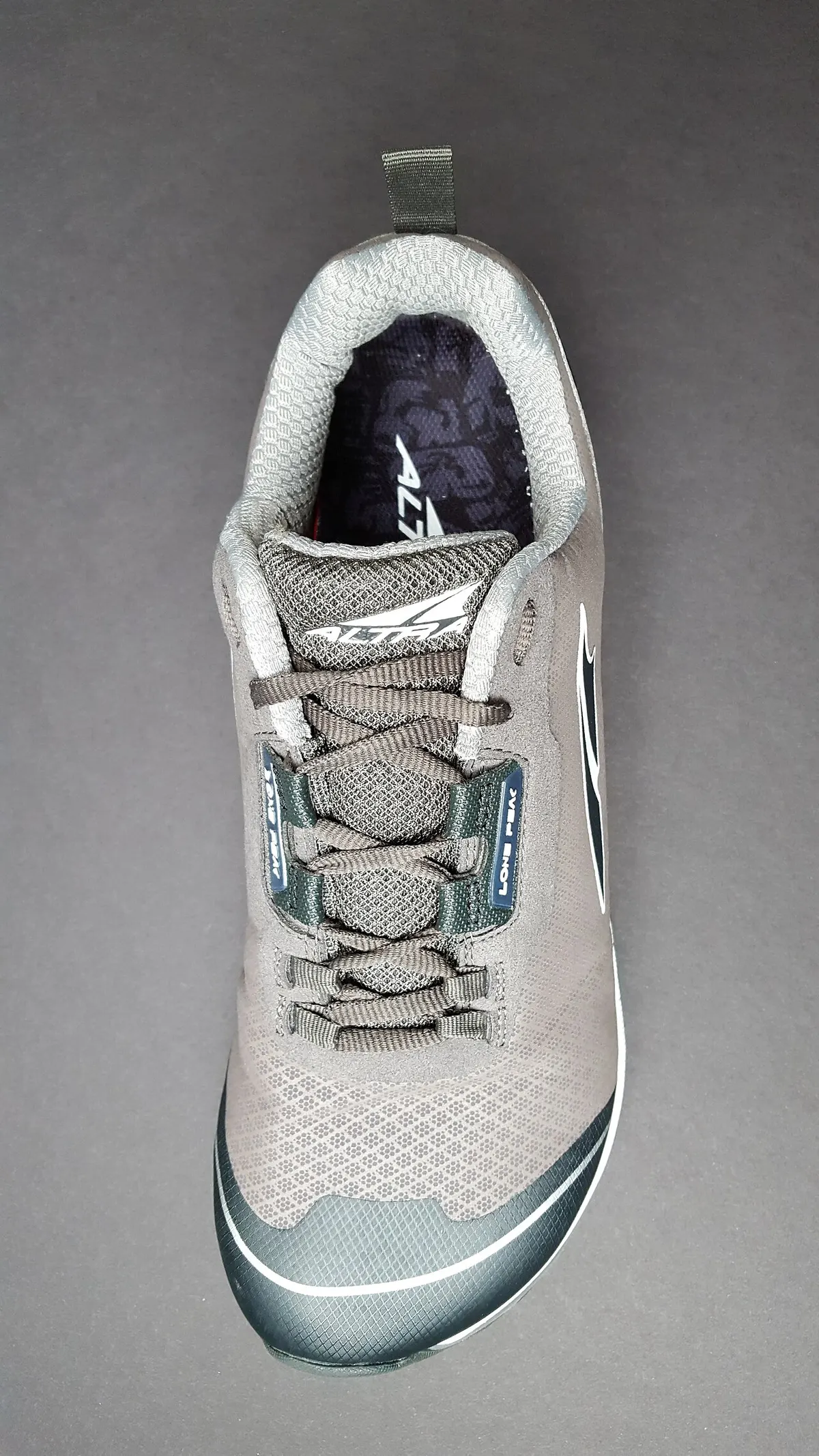
Give each pair a clear identity
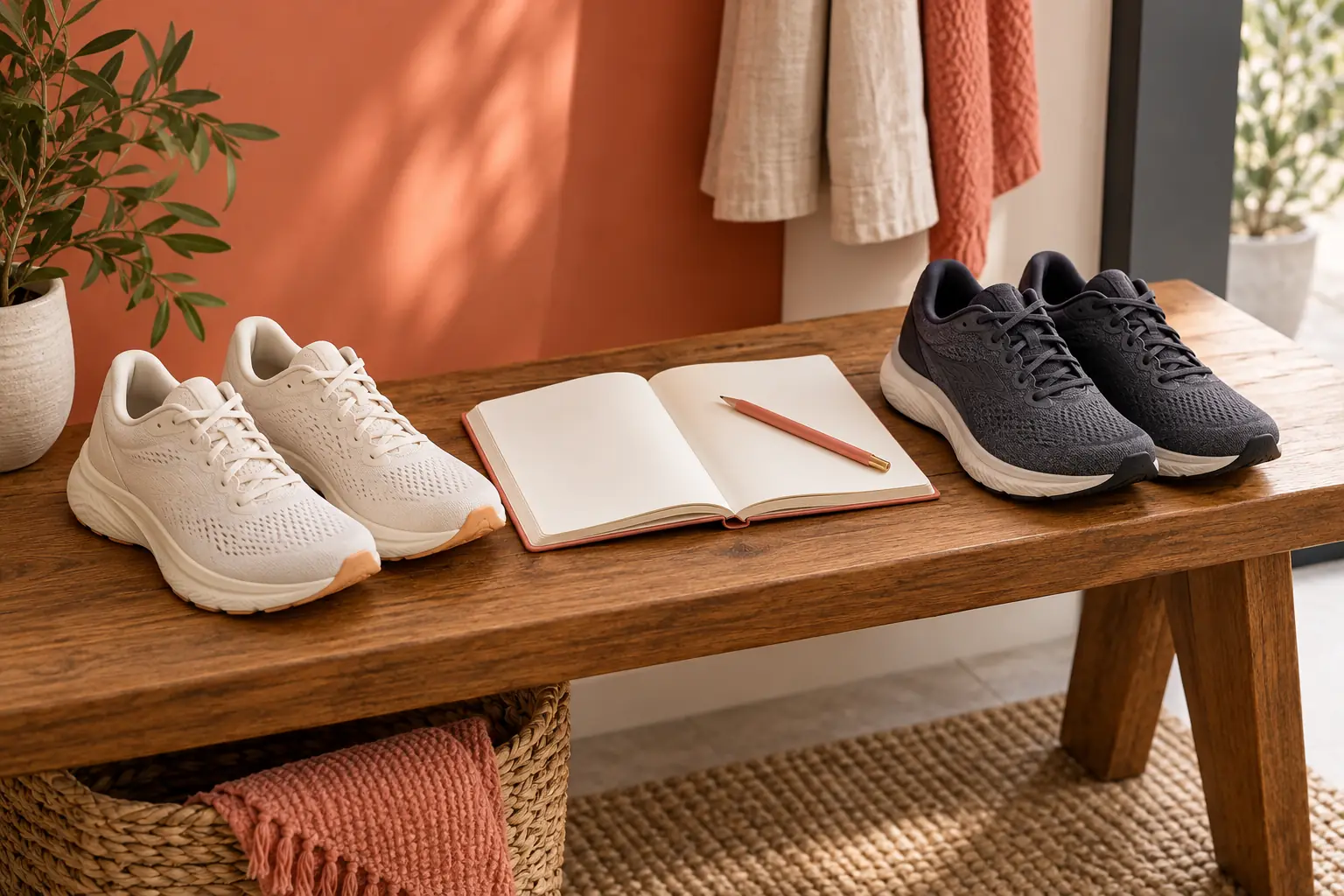
A shoe-distance log works best when each entry can be assigned to one identifiable pair. Use the full model, size and a simple personal label if you own more than one similar pair. Keep the purchase record separately so a replacement with the same model name does not inherit the old pair's total by accident. The purpose is equipment history: a way to see which recorded activities you assigned to which shoes, not a promise about how long a pair should last.
Forerunner165 data-field definitions ?
Keep the source of distance
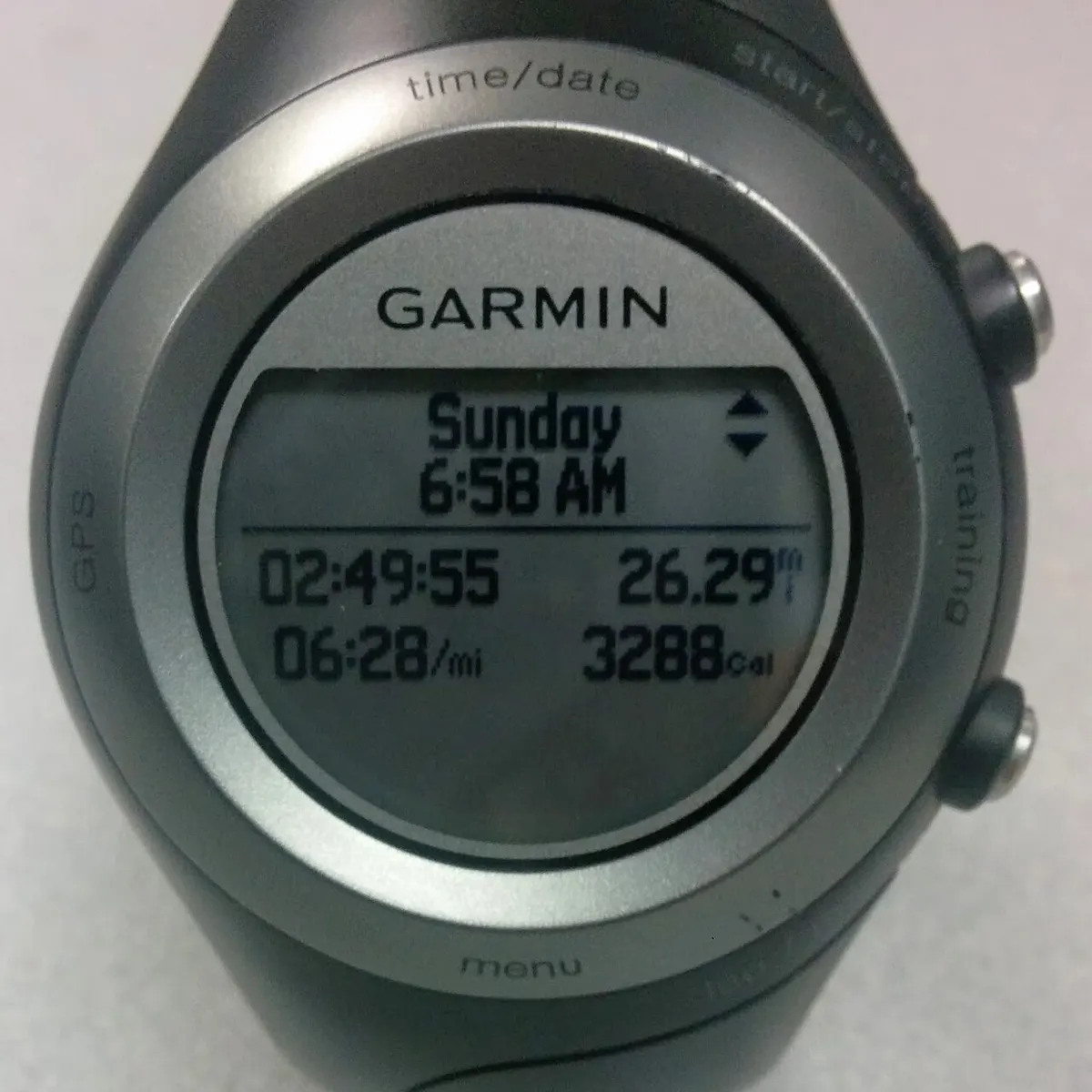
Garmin's data-field page distinguishes activity distance from lap distance. When copying a value into a shoe log, record which one you used so the whole activity is not accidentally counted again after its laps have already been entered. Keep the units consistent, and note imported or manually entered records. A distance displayed by a watch is a recorded input, not an independently verified measurement made by this publication. The log should preserve that distinction rather than adding unwarranted precision.
Add a small set of entries
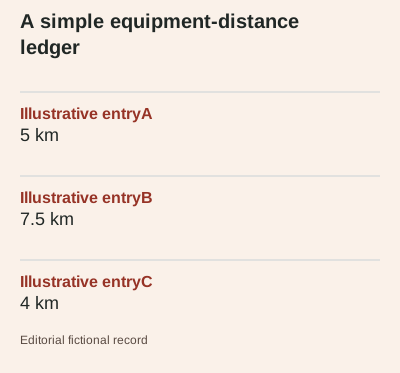
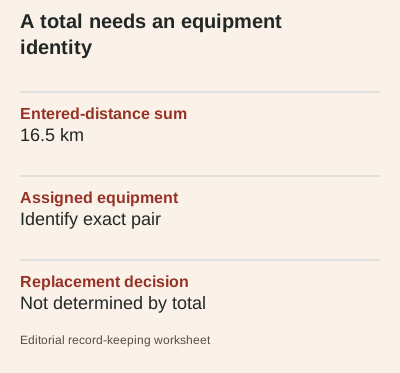
For a fictional example, assign 5 km, 7.5 km and 4 km to the same pair. The total is 16.5 km. These values are only bookkeeping examples, not a suggested week of running. If one activity used a different pair, move that entry before calculating the total. The arithmetic is straightforward; the more common source of confusion is an incorrect assignment, a duplicate import or a record that includes distance completed in other footwear.
Separate use history from replacement claims
A distance total does not establish that a shoe is safe, comfortable or ready for replacement. This guide supplies no universal mileage threshold and does not diagnose a problem from an activity log. Keep observations about the actual pair separate from the distance column, with dates and clear descriptions rather than an invented condition score. If a fitting or health concern arises, seek appropriate individual advice instead of treating a spreadsheet total as an explanation or a guarantee.
Make corrections traceable
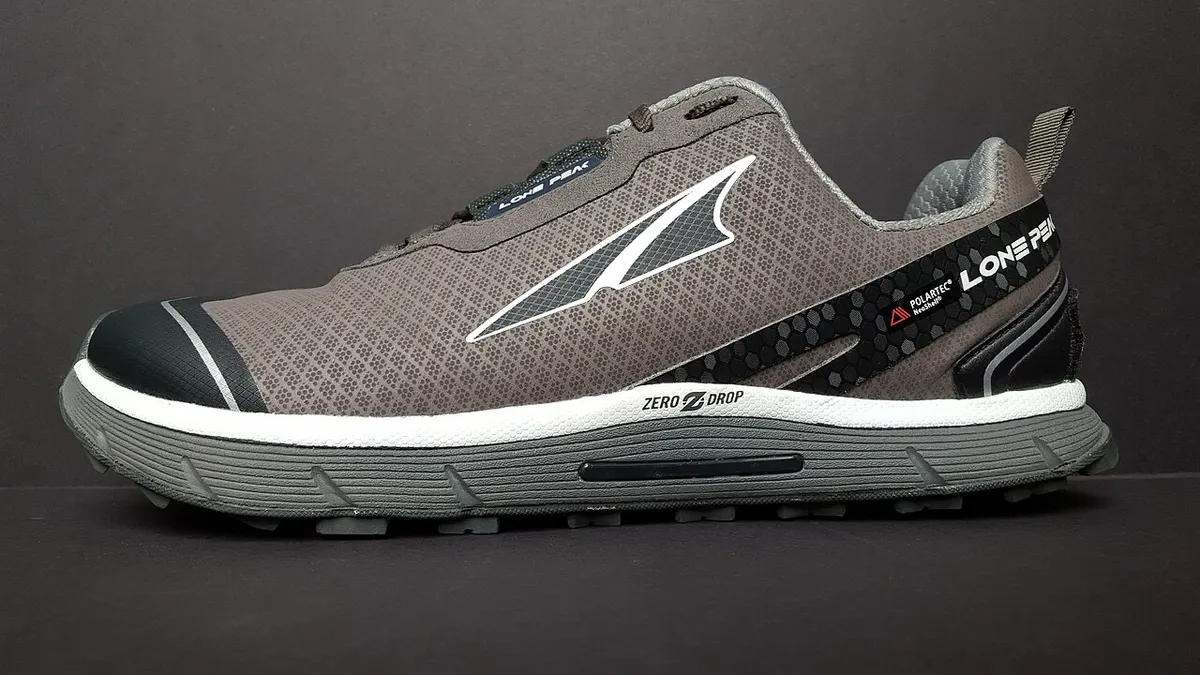
If you discover a duplicate activity, retain a short correction note showing what was removed and why. Do the same when a distance was edited or assigned to the wrong pair. Avoid silently resetting the total whenever the number becomes inconvenient, because that removes the history the log was meant to preserve. Archive photographs here illustrate footwear and watch-record context only. They do not represent the pair in the fictional ledger, a wear test or a verified estimate of remaining service life.
Use the total for the question it answers
The site's distance tool adds three entered values and labels the result as recorded distance. For a longer history, keep a ledger with the same fields and a clear equipment identifier. Before comparing two pairs, check that both histories use the same inclusion rules and contain the activities you intended to assign. The useful result is a transparent account of recorded use. Any purchase or replacement decision still needs the actual equipment, current product information and the circumstances of the person using it.