Convert recorded pace without inventing a training target
Convert a recorded time and distance into minutes and seconds per kilometre without confusing decimal minutes with a clock display.
Updated:

Keep a pace value attached to its units
A pace written as 6.5 can be misunderstood if the record does not say whether it means decimal minutes or a minutes-and-seconds display. Start with the original recorded distance and time, then choose one calculation format. Garmin's manual distinguishes current pace, lap pace and average pace, so keep that field scope as well. A correctly converted value still needs its time basis and activity context before it can be compared with another record.
Forerunner165 data-field definitions ?
Convert the whole time to seconds
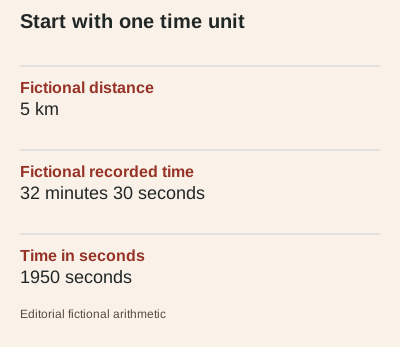
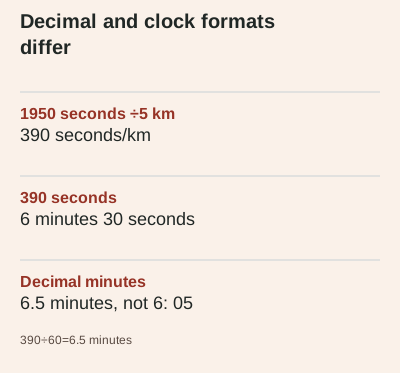
Take a fictional 5 km record completed in 32 minutes 30 seconds. Multiplying 32 by 60 and adding 30 gives 1950 seconds. Dividing 1950 seconds by 5 km gives 390 seconds per kilometre. This is an arithmetic illustration, not a workout, target or measured test. Writing the intermediate unit makes it easier to spot an error such as treating 30 seconds as 0.30 minutes, which would mix a clock-style notation with a decimal calculation.
Return to minutes and seconds
The 390-second pace contains 6 whole minutes and 30 remaining seconds, so it displays as 6: 30 min/km. In decimal minutes, the same duration is 6.5 minutes because 30 seconds is half a minute. It is not 6: 05. Keep the format in the column heading if you export the result into a spreadsheet. When a displayed value has been rounded, retain the unrounded inputs if you need to reproduce the calculation rather than repeatedly converting rounded summaries. If rounding produces sixty remaining seconds, carry that minute into the minutes field rather than displaying an invalid clock value. This matters when a result sits close to the next whole minute.
Choose a consistent time basis
An elapsed-time calculation and a moving-time calculation can produce different averages for the same recorded distance. Label the chosen input and keep it consistent across the records you compare. The site's calculator does not infer that choice from the numbers; it uses the time you enter. Nor does it check the accuracy of a watch's recorded distance. If an input was edited or imported, preserve that note so a tidy output is not mistaken for independent validation.
Check the entry before interpreting the result
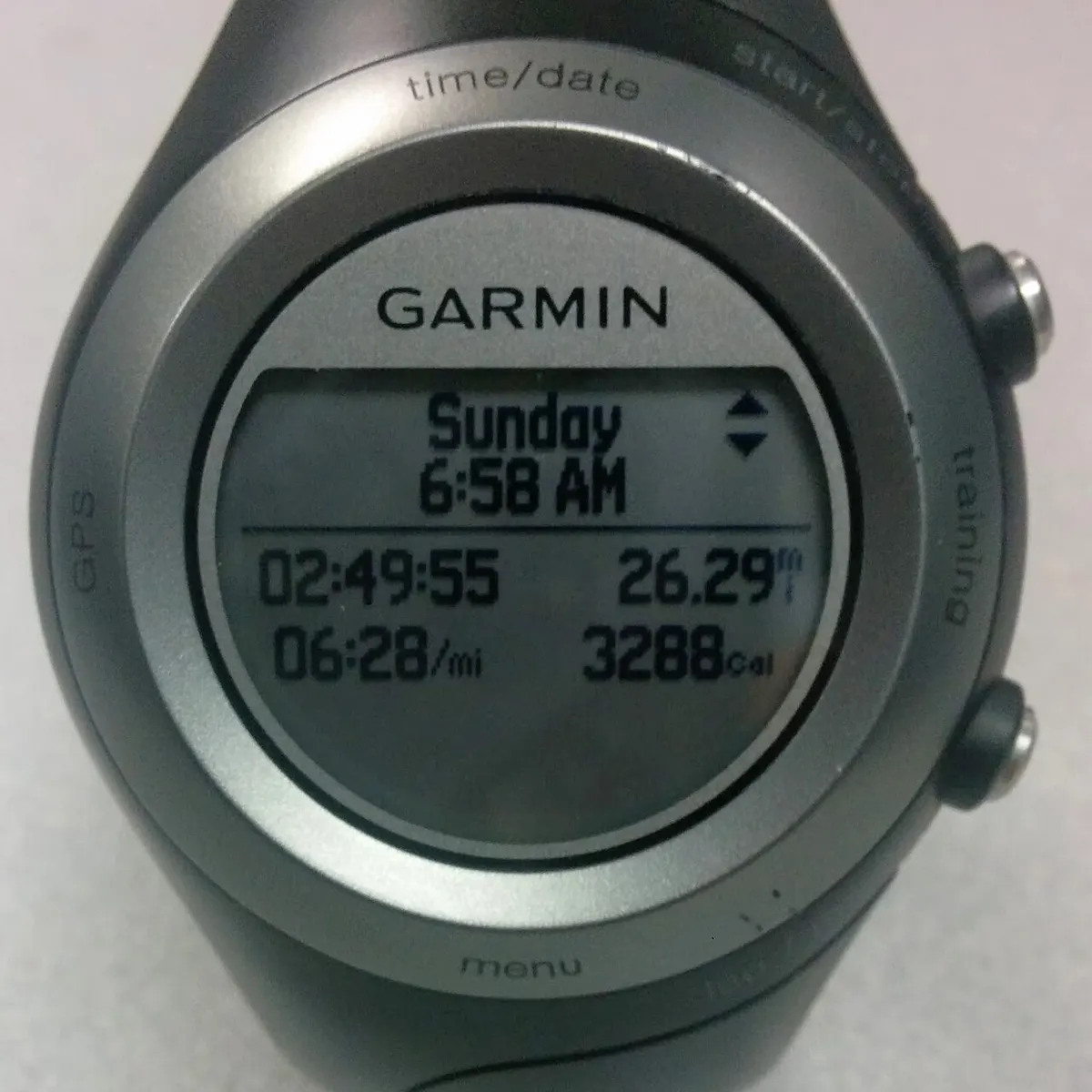
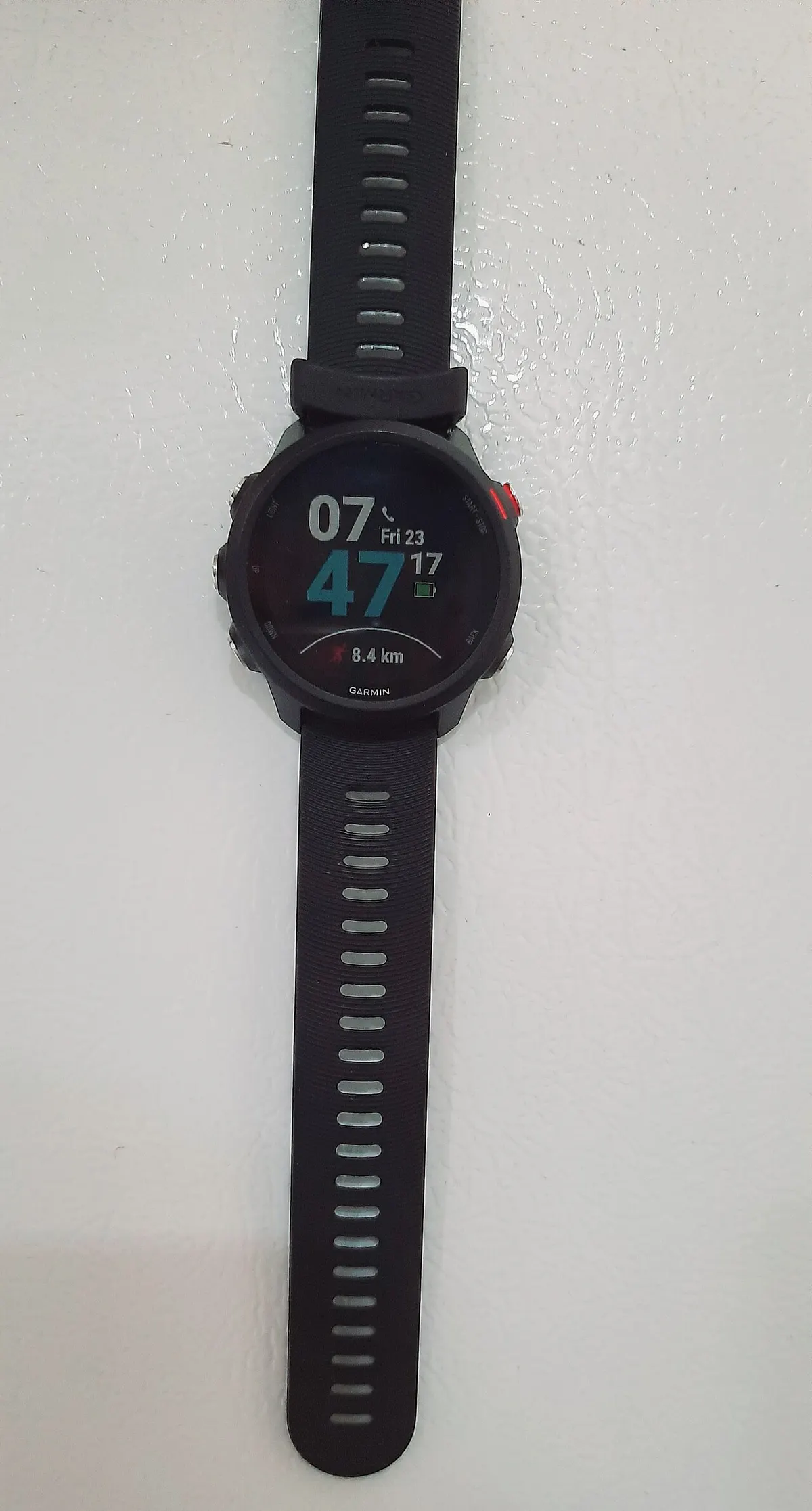
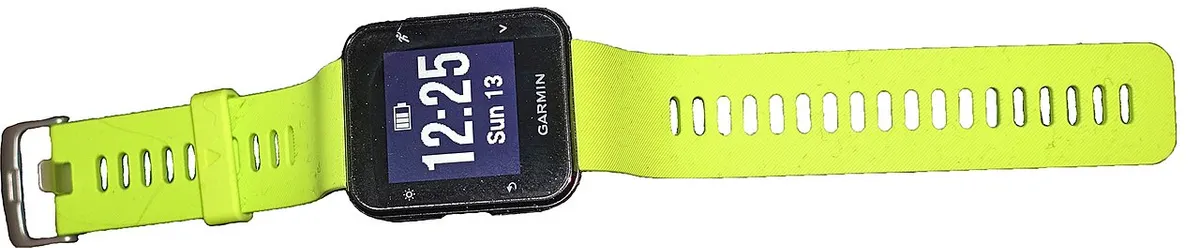
Enter whole minutes and remaining seconds separately, with seconds below 60. Use a positive distance and a positive total time. A zero distance cannot produce a meaningful pace division, and an empty field should not silently become a valid zero. The tool rejects those cases rather than supplying a plausible-looking answer. The archive watch photographs provide labelled interface context only; their visible readings are not the data used in this fictional example or evidence for the calculator's accuracy.
Use the calculation as a record description
After calculating, keep the distance, original time, time basis and resulting format together. Compare the output with a manual calculation if it looks unexpected, then review the inputs before drawing conclusions about the device or the activity. This arithmetic does not prescribe a training speed, infer fitness or promise an outcome. Its useful role is narrower: turning a clearly identified record into a readable pace value while preserving enough information for someone else to reproduce the same calculation.