Lap pace and average pace tell different stories
Compare lap pace with the whole activity without averaging unlike segments as if every lap covered the same distance.
Updated:
Keep the lap boundary visible
A lap value describes a segment of an activity, while an activity average describes the whole selected record. Garmin's data-field definitions distinguish average pace from lap pace and last-lap pace. Start by checking which field is on the screen before comparing numbers. A lap can be defined by the way the activity was recorded, so keep its distance and time beside its pace. Without those inputs, a faster-looking lap can be easy to overinterpret.
Forerunner165 data-field definitions ?
Use an unequal-distance example
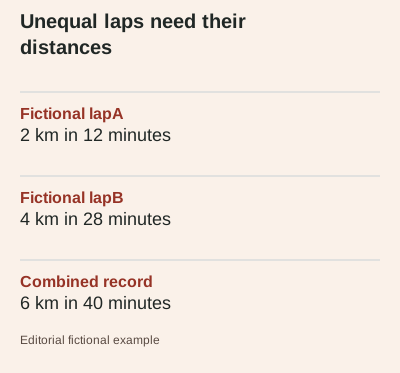
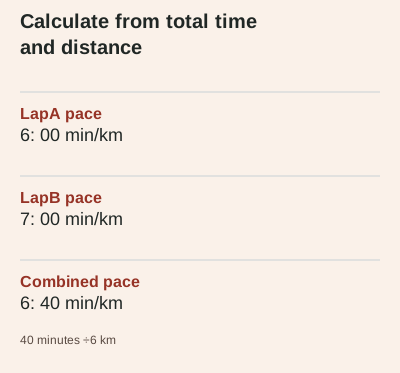
Consider fictional lapA covering 2 km in 12 minutes and lapB covering 4 km in 28 minutes. The first pace is 6: 00 min/km and the second is 7: 00 min/km. The combined record covers 6 km in 40 minutes, giving 6: 40 min/km. These invented values demonstrate arithmetic only; they are not a workout recommendation or a recorded trial. The second lap contributes more distance and time, so it cannot be treated as an equal-sized observation when calculating the pace of the whole activity.
Avoid the simple average shortcut
Taking the midpoint between 6: 00 and 7: 00 gives 6: 30 min/km. That is not the combined pace for this example. The reliable arithmetic here is total time divided by total distance, using consistent units and a consistent time basis. If the input laps use different pause treatment, resolve that difference before combining them. A calculator can perform the division correctly while still giving a misleading comparison when the inputs describe different scopes or clocks.
Check how the lap was formed
Keep a note of whether a lap was created manually, automatically or by an imported record if that information is available. Do not assume every boundary represents the same distance simply because the entries appear as similarly sized rows in an app. If you are comparing a particular segment across records, confirm that the segment actually matches. This guide does not infer route accuracy, effort or training progress from the displayed lap values; it explains how to avoid mixing unlike records.
Read a display as a display
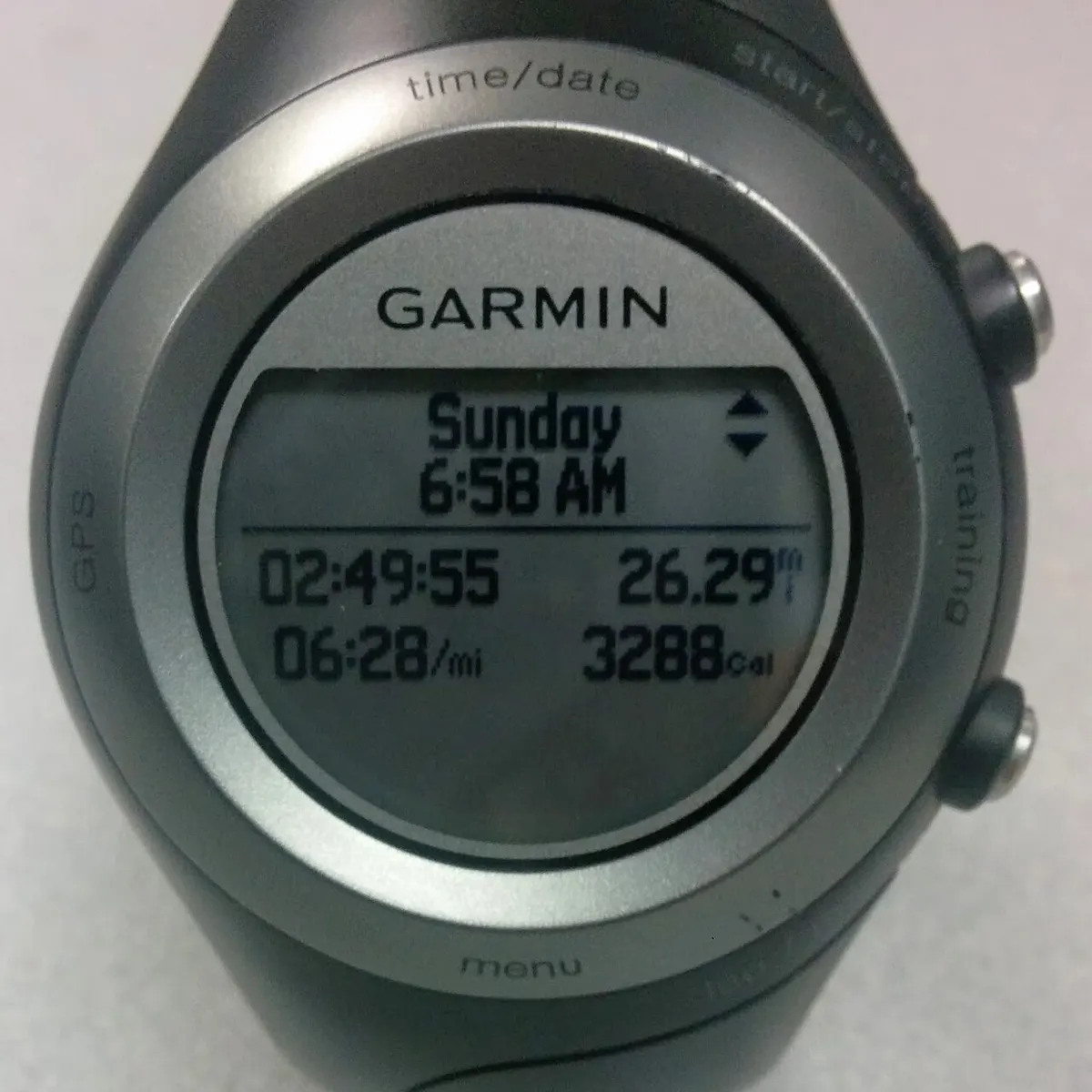
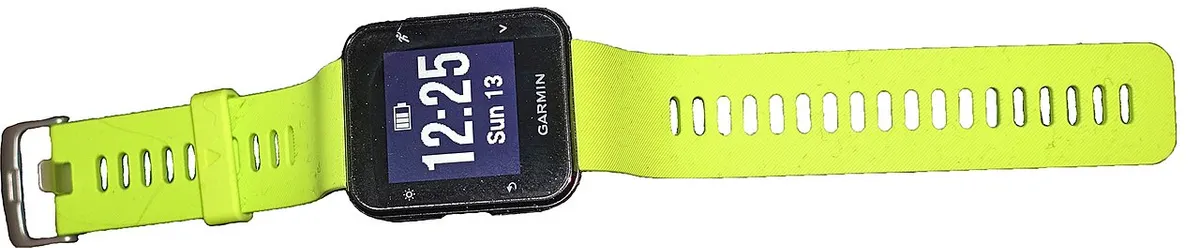
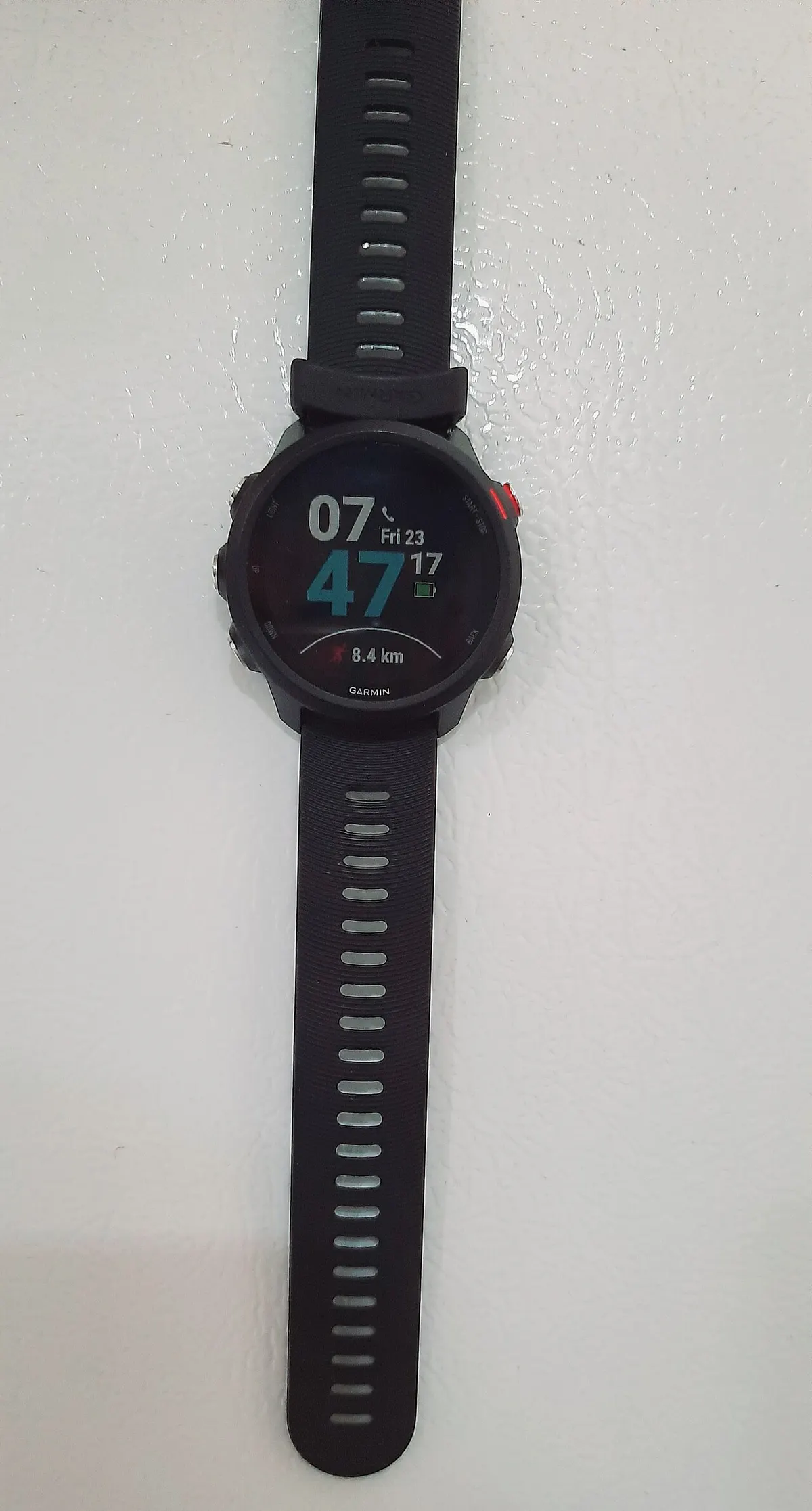
The archive watch photographs show different Garmin generations and are labelled accordingly. A visible pace number in an image does not establish which time basis or settings were used, and it is not evidence for the fictional example above. When keeping your own screenshot, include the field label and relevant units rather than cropping down to a bare number. Preserve the original record where possible so the distance and time behind the summary can be checked later.
Build a clearer comparison row
For each lap, keep distance, time, time basis and source together. For the whole activity, calculate from the combined inputs rather than averaging displayed pace labels. If an app's summary differs, review rounding, pauses and scope before assuming a device fault. The next useful action is to restore the missing distance or time column in your notes. A transparent calculation makes the comparison easier to understand without turning a consumer activity record into a claim about performance or health.