Keep elapsed time separate from moving time
Use a consistent time basis when comparing recorded runs, keeping pauses visible instead of treating unlike summaries as equivalent.
Updated:

Name the clock you are comparing
Two activity summaries can show different times without either being a mistake. Before comparing a run with another record, write down whether the displayed value is elapsed time, moving time or an activity timer value. Keep the original label rather than shortening everything to time. That label tells you which question the number answers. It also makes it easier to discuss a confusing record with support without asking someone to infer your pause settings from a screenshot.
Forerunner165 data-field definitions ?
Use the manual definitions carefully
Garmin's Forerunner 165 data-field page describes elapsed time as the total time recorded and moving time as the total time moving for the activity. It lists the activity timer separately. Those names are useful distinctions, but they do not establish that every app or watch screen uses identical processing. Check the documentation for the exact device and view you are reading. A summary imported into another service may need its own explanation before its numbers can be compared directly.
Walk through a simple record
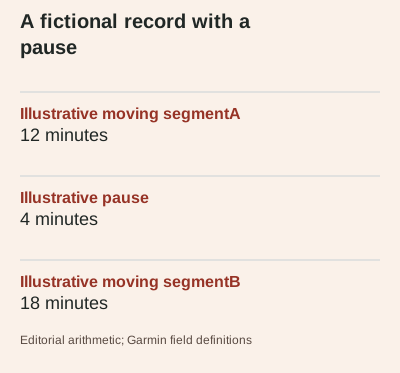
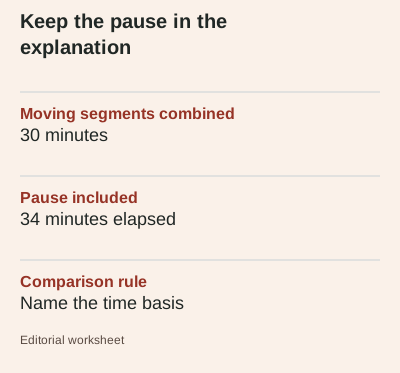
Imagine a fictional record with 12 minutes moving, a 4-minute pause and another 18 minutes moving. The moving segments total 30 minutes, while the period including the pause totals 34 minutes. The example is arithmetic, not a prescribed session or an observed test. If a comparison uses 30 minutes for one record and 34 minutes for the other, the apparent difference may come from the chosen clock rather than a change in movement. Preserve the pause in the note instead of silently deleting it.
Keep distance and time together
When deriving an average pace, use the distance associated with the same record and state the time basis. A value calculated with elapsed time answers a different question from one calculated with moving time. Neither label should be replaced with a claim about fitness or effort. If the route distance itself was edited or imported, retain that information as well. A neat calculated result cannot repair missing context in the input record, so unresolved input differences should remain visible.
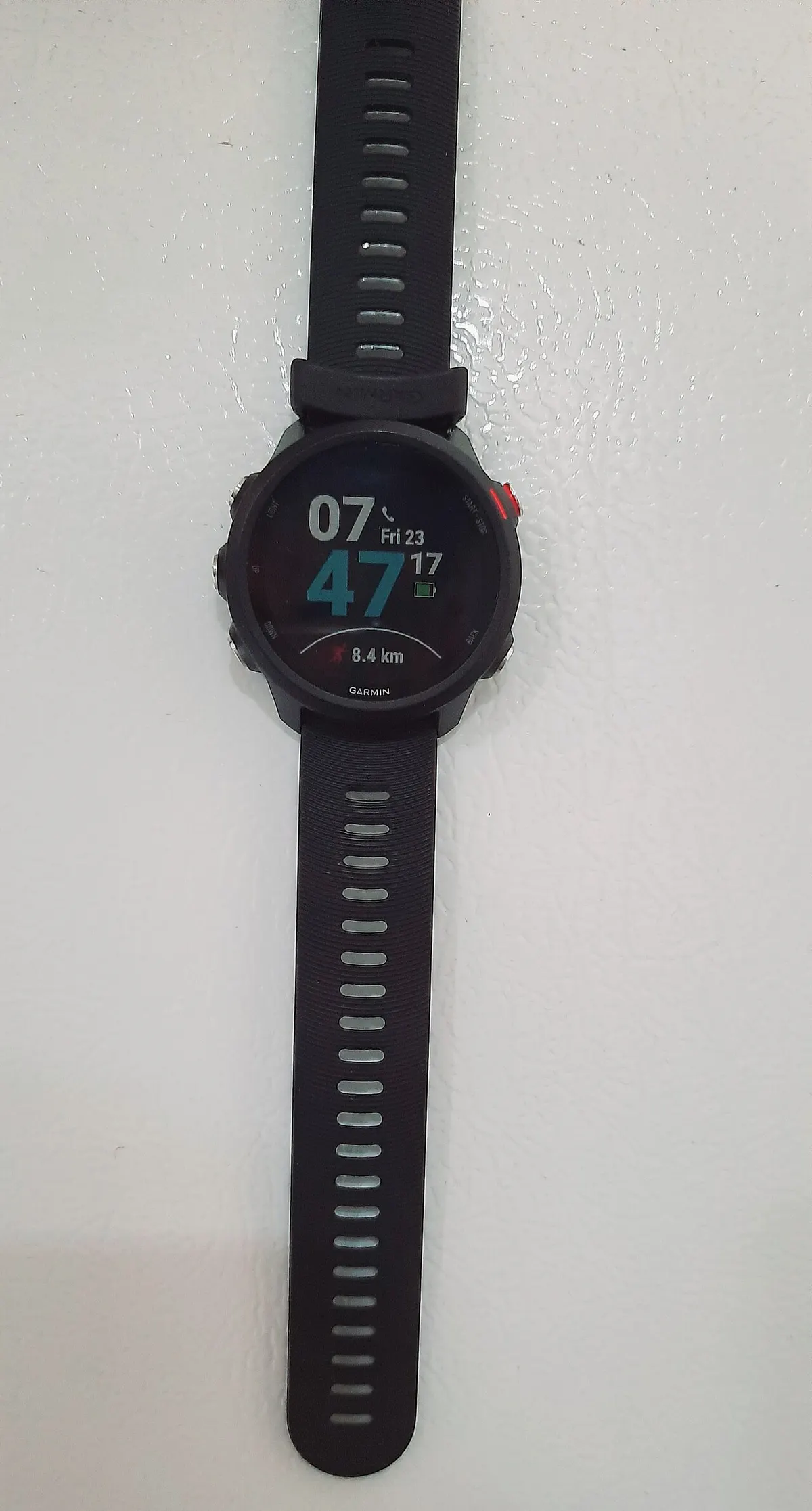
Treat screenshots as supporting context
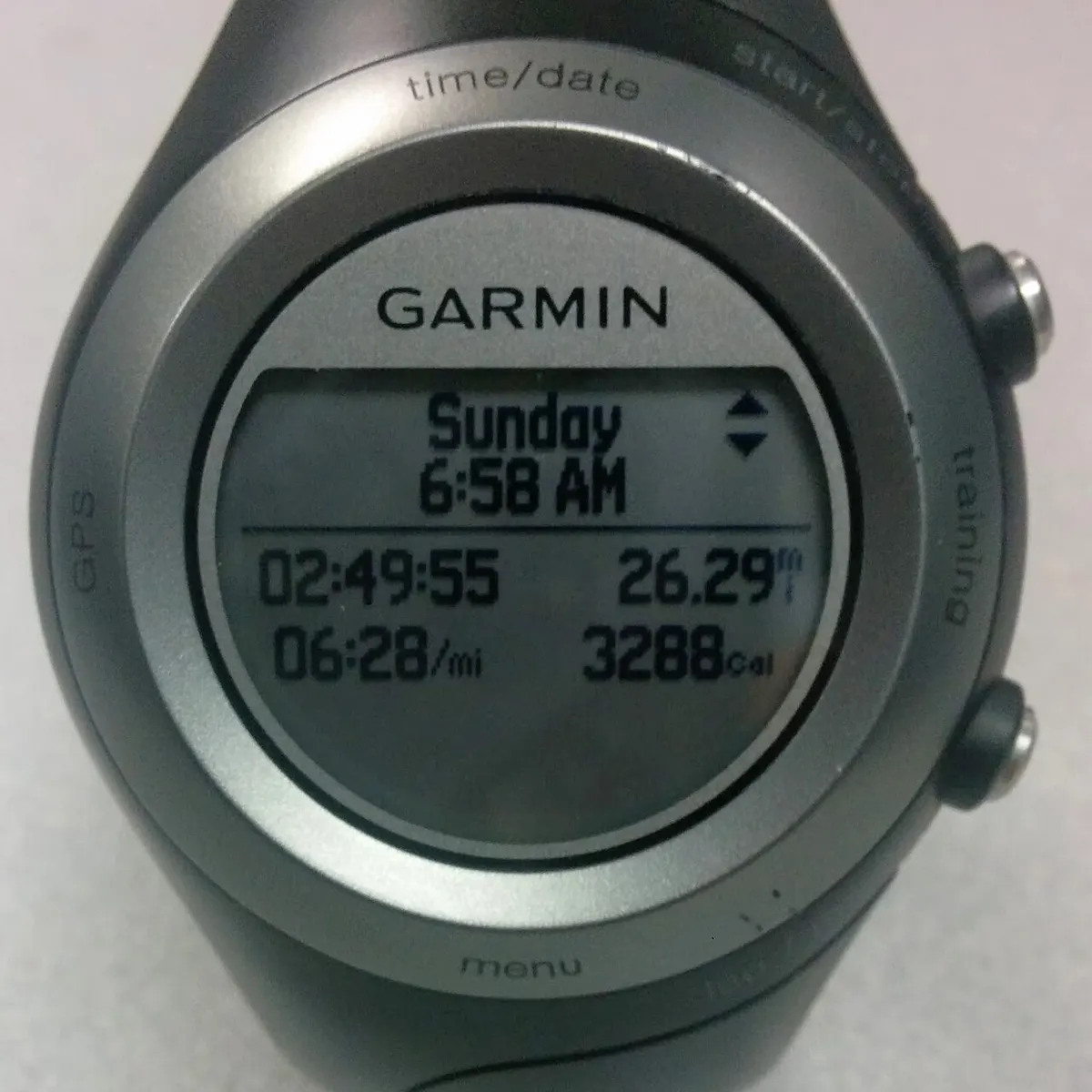
A screenshot can show the field name, units and displayed value, but it may not reveal the settings or processing behind the summary. Keep the original activity record where available and note any edits you made. The archive photographs in this guide show other Garmin models and are identified in their captions. They illustrate watch-display context, not the 165 interface, a verified personal activity or proof that a particular elapsed-time calculation is accurate.
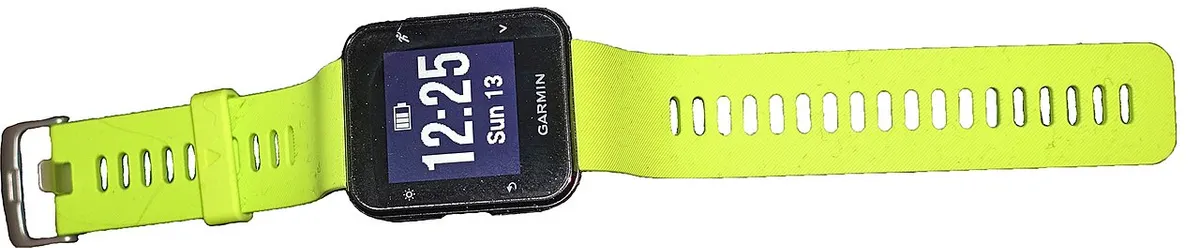
Make the next comparison consistent
Choose the same time basis for the records you want to compare, then check that both distance units and activity scope match. If the purpose requires the whole time away, keep pauses included; if you are examining a movement-only record, name that explicitly and retain the original elapsed value too. This is a record-keeping choice, not training advice. The useful next step is to relabel an ambiguous spreadsheet column before interpreting a difference that may simply reflect different clocks.